Payment Gateways
Integrate Stripe Payment in Your Product
Stripe is available for Product only; it is not available for Prototype. Follow these steps:
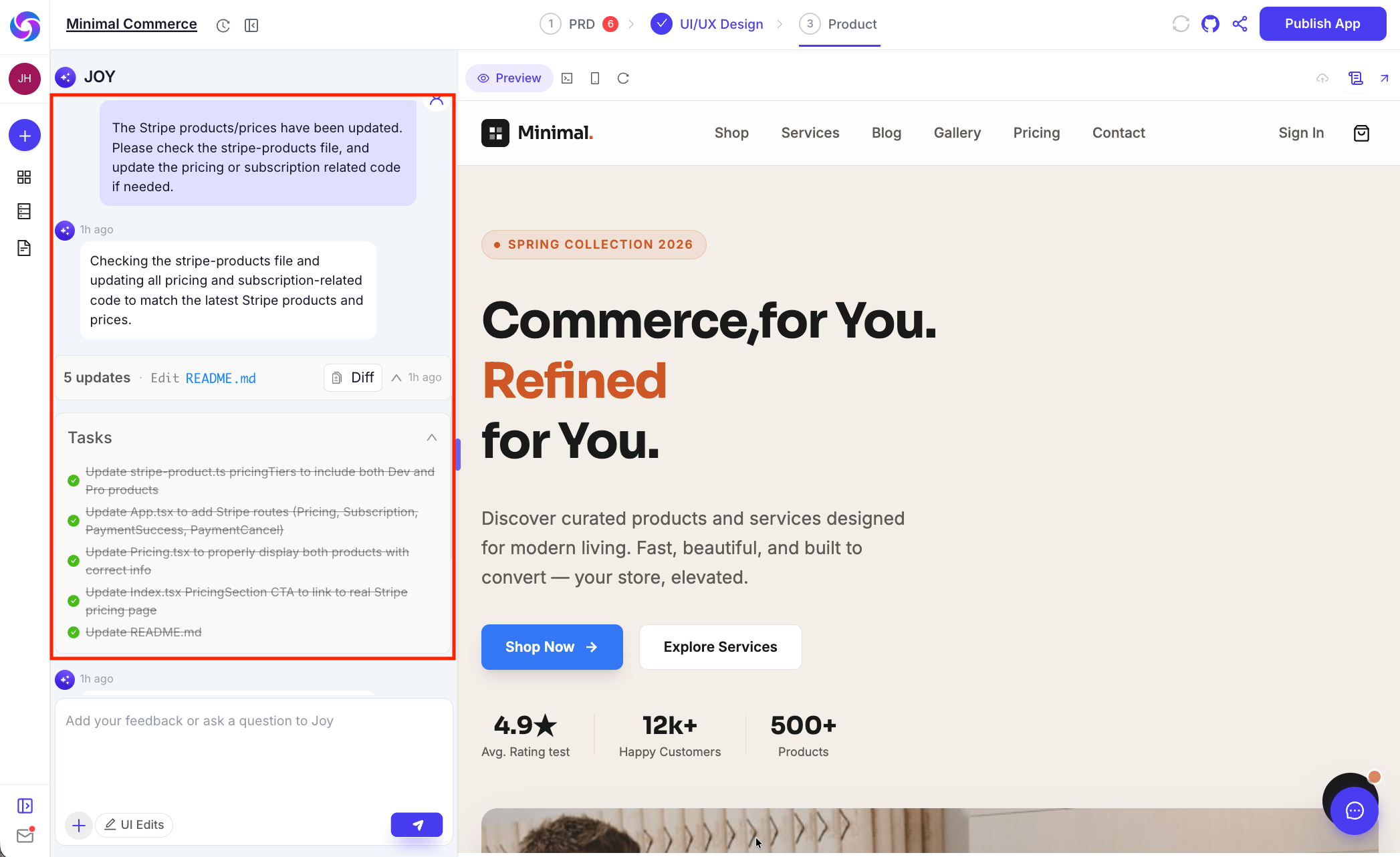
- Enable payment capability: Turn on payment features for your product so you can configure Stripe and accept payments. Use the UI shown below.

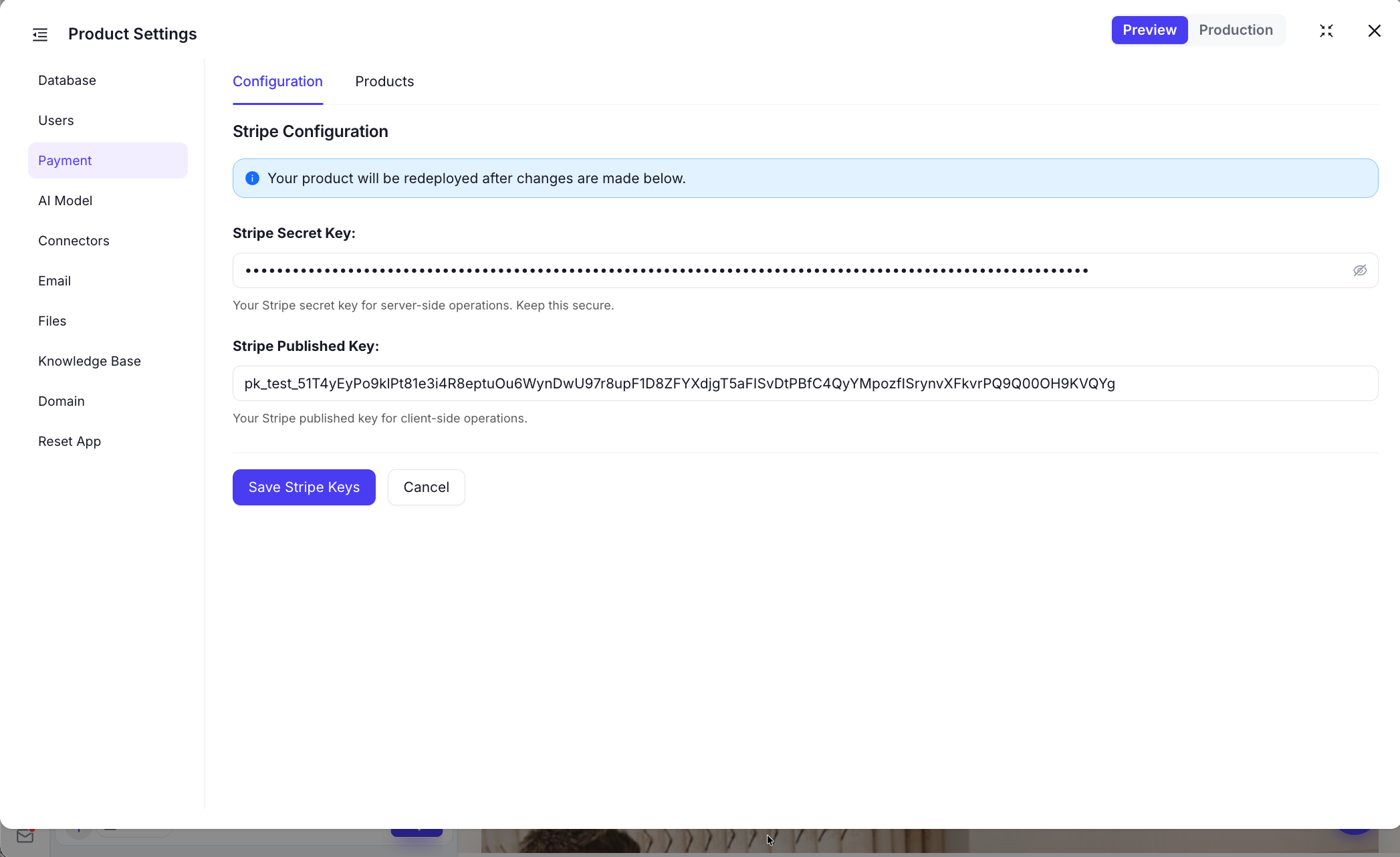
- Configure Stripe: Open the gear icon in the top-right corner and add your Stripe keys.
- Deploy payment capability: Deploy so payment features are available in your product. You can ask Joy to help wire up Stripe if needed.
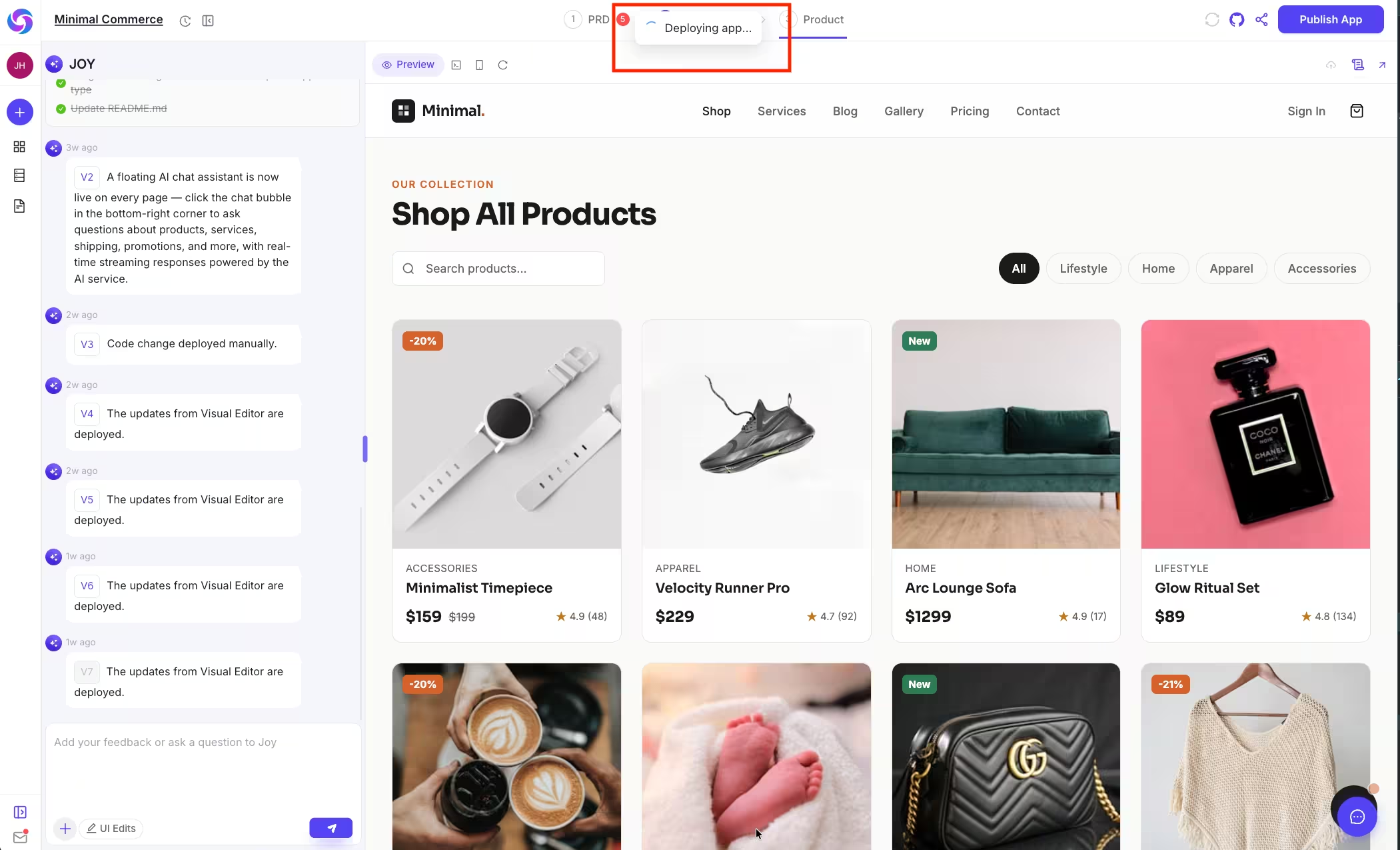
- Select and update product: Choose the product you want to bill for and save your updates.
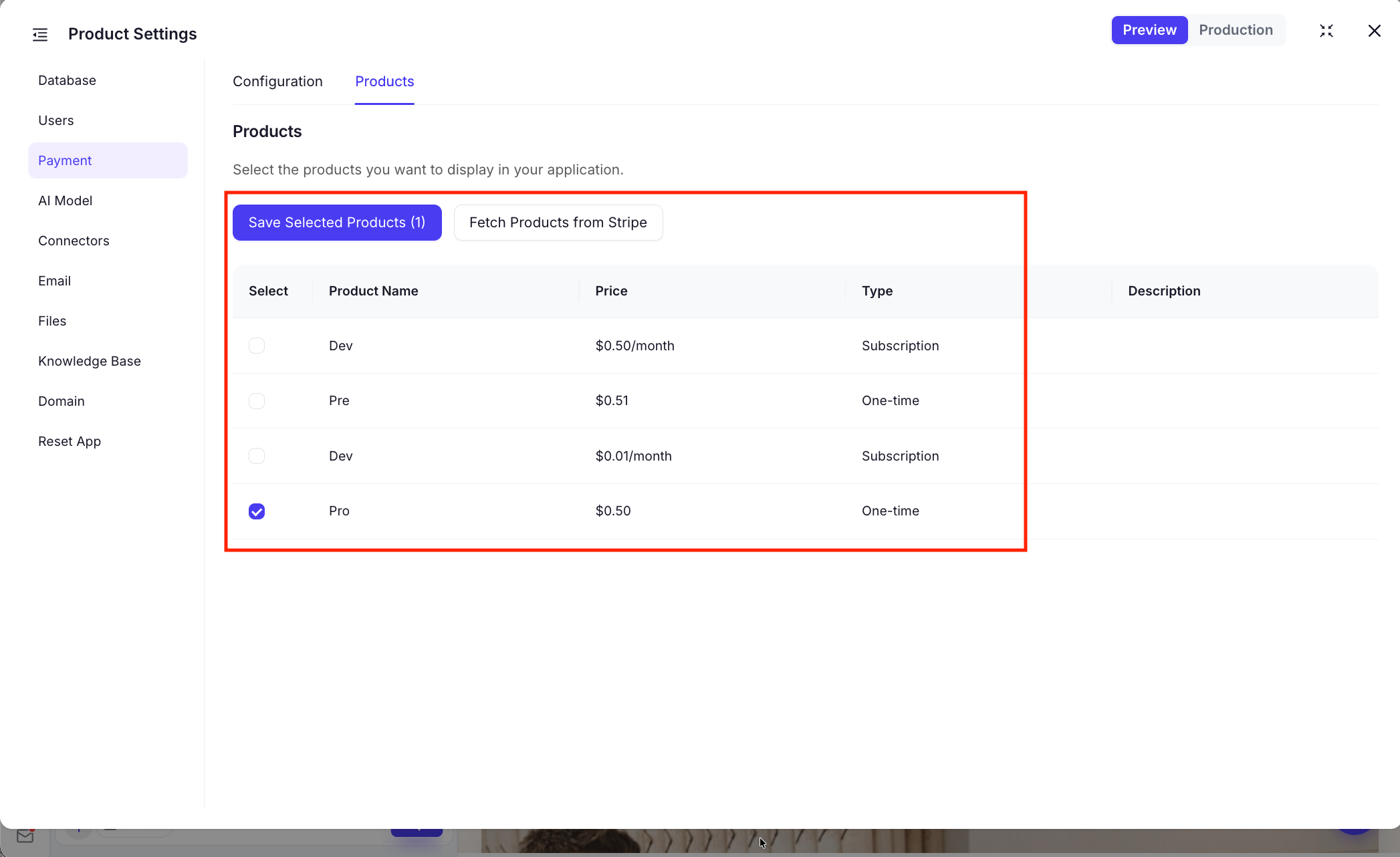
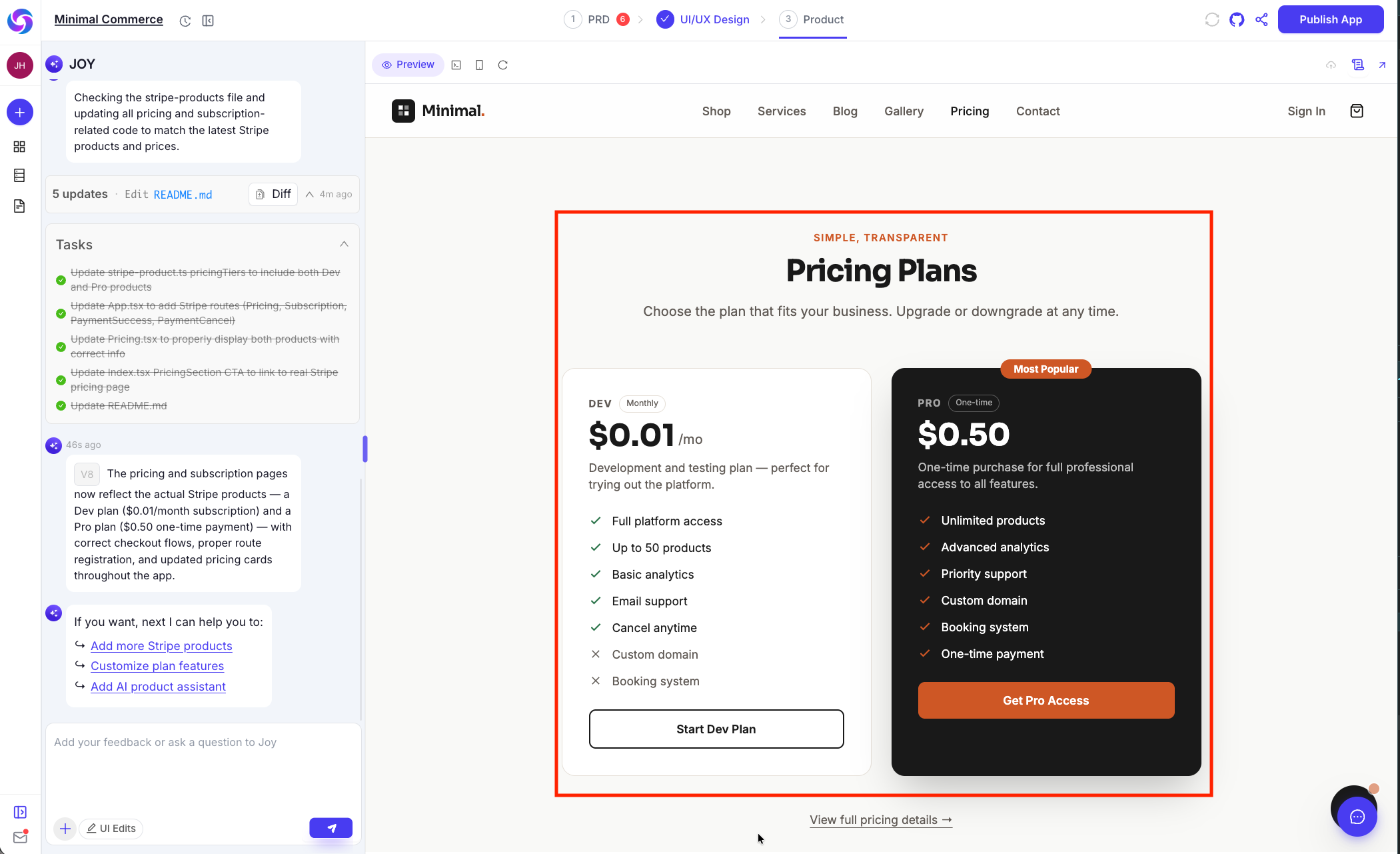
- Deploy and generate pricing page: Deploy again, then generate the pricing page so customers can see plans and pay.