
Learning how to build internal tools has become a priority for businesses looking to automate workflows, improve team productivity, and reduce reliance on manual processes. From admin dashboards and approval systems to AI-powered copilots and workflow automation, internal tools can help teams move faster without adding operational complexity. This guide explores how to build internal tools with AI, including practical use cases, core technologies, and how platforms like Omniflow can help accelerate development.
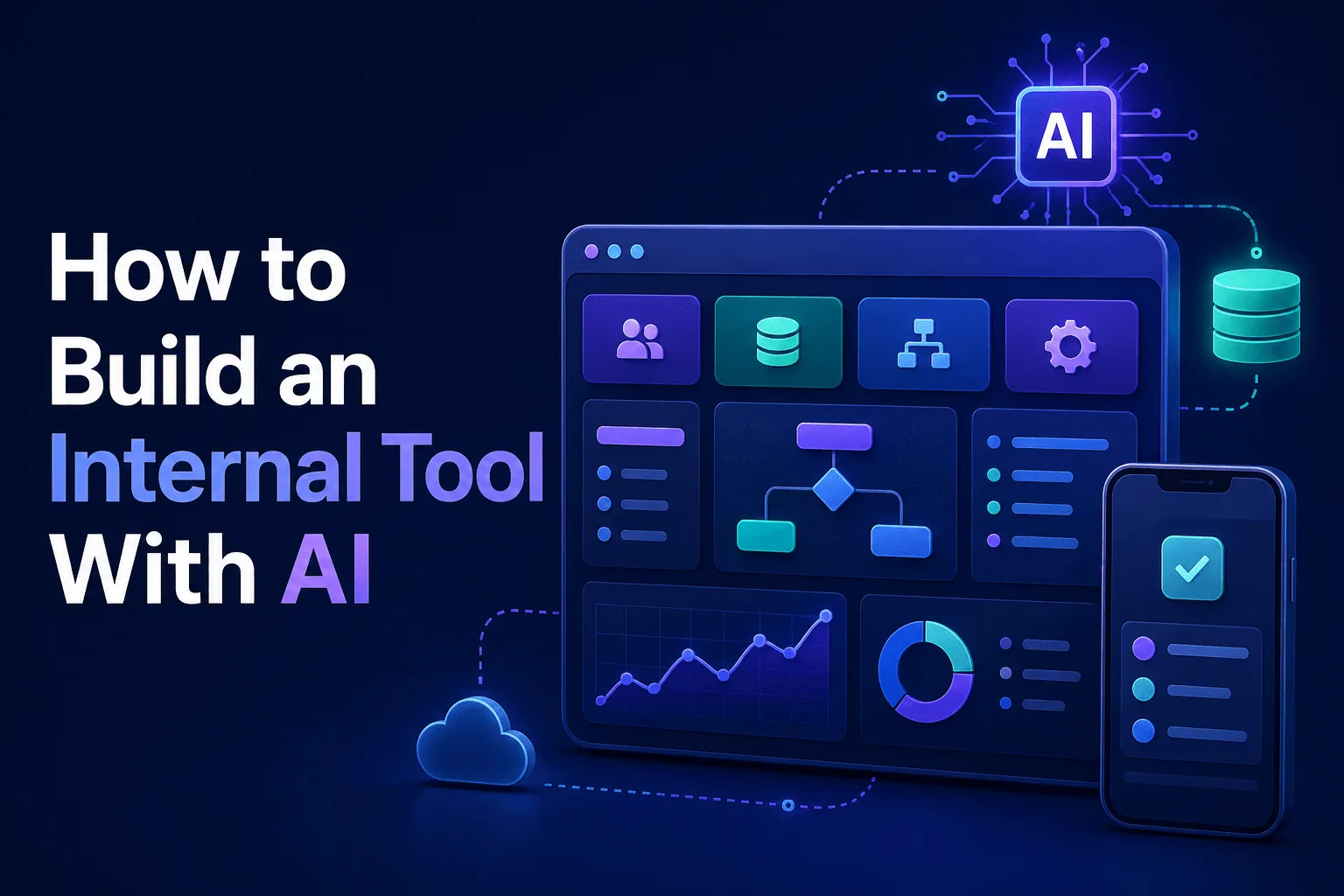 Businesses rely on internal tools to manage operations, reduce manual work, organize data, and streamlineautomated workflows. But historically, building custom internal tools often required engineering teams, custom code, and long development cycles. That is changing.
Today, businesses can use AI, no-code and low-code platforms, connected data sources, and intuitive internal tool builders to build internal apps faster than ever. Whether you need a tool for data entry, approval workflows, reporting dashboards, or mobile apps for internal teams, modern internal tool builders make it possible to create custom solutions without starting from scratch.
In this guide, you’ll learn how to build internal tools step by step using Omniflow, including how to define a data model, connect data sources, build automated workflows, add custom logic, and create internal apps that support your own infrastructure.
What Is an Internal Tool?
An internal tool is software used by employees to support operations inside a business. Unlike customer-facing apps, internal tools are designed for internal teams. Examples of internal tools include:
Data entry tools
Inventory dashboards
Admin portals
Internal libraries
Knowledge management tools
Mobile apps for field teams
Custom apps connected to Google Sheets or existing data
Workflow automation software
These types of internal tools exist to help teams manage data, reduce repetitive work, improve data access, streamline automated workflows, support regulatory compliance and improve audit logs and version control.
Some businesses use platforms like Microsoft Power Apps for these use cases, but modern internal tool builders now support far more flexibility, including custom code, AI assistance, and support for complex apps.
Why Build Internal Tools With AI?
Many businesses still rely on spreadsheets, disconnected systems, or outdated tools. That creates friction. AI can help businesses build custom internal tools that improve many basic business workflows, including data entry, process automation, internal search and decision support.
And unlike many other tools, AI-powered apps can work with your own data and existing data sources. That means businesses can build custom solutions around how they actually operate, which is especially useful for non technical users, operations teams, startups and enterprises managing complex apps.
How To Build Internal Tools With AI
Now that you have a better understanding of what internal tools are and why they matter, let’s walk through how to build internal tools with AI step by step.
Whether you want to create simple internal tools for data entry or more complex apps with automated workflows, modern internal tool builders like Omniflow make it easier to build custom internal tools using connected data sources, intuitive interfaces, and custom logic.
Step 1: Identify the Internal Workflow Problem
First, you'll want to start with the workflow. Ask yourself:
What manual process slows teams down?
What repetitive data entry could be automated?
What internal tool would improve efficiency?
Can a custom internal tool replace spreadsheets or disconnected systems?
Strong internal tools solve one business problem well. This might include approval routing tools, inventory management apps, internal reporting dashboard or even custom app connected to Google Sheets.
The key takeaway for the first step is to NOT not build too broad initially. Instead, it's best to work towards creating a targeted, focused internal tool that solves one specific problem well, not something that solves all problems adequately.
Step 2: Define the Data Model and Requirements
Before building, you'll want to define the data model. This is critical. For this, you'll need to ask yourself:
What data does the tool need?
Will it use existing data or your own data sources?
Does it require user permissions?
Does it need audit logs or version control?
Are there regulatory compliance requirements?
A strong data model makes later AI automation much easier. This is where Omniflow’s Living PRD helps connect requirements to product logic. Many internal tools fail because they skip this step.
 Step 3: Connect Data Sources and Knowledge
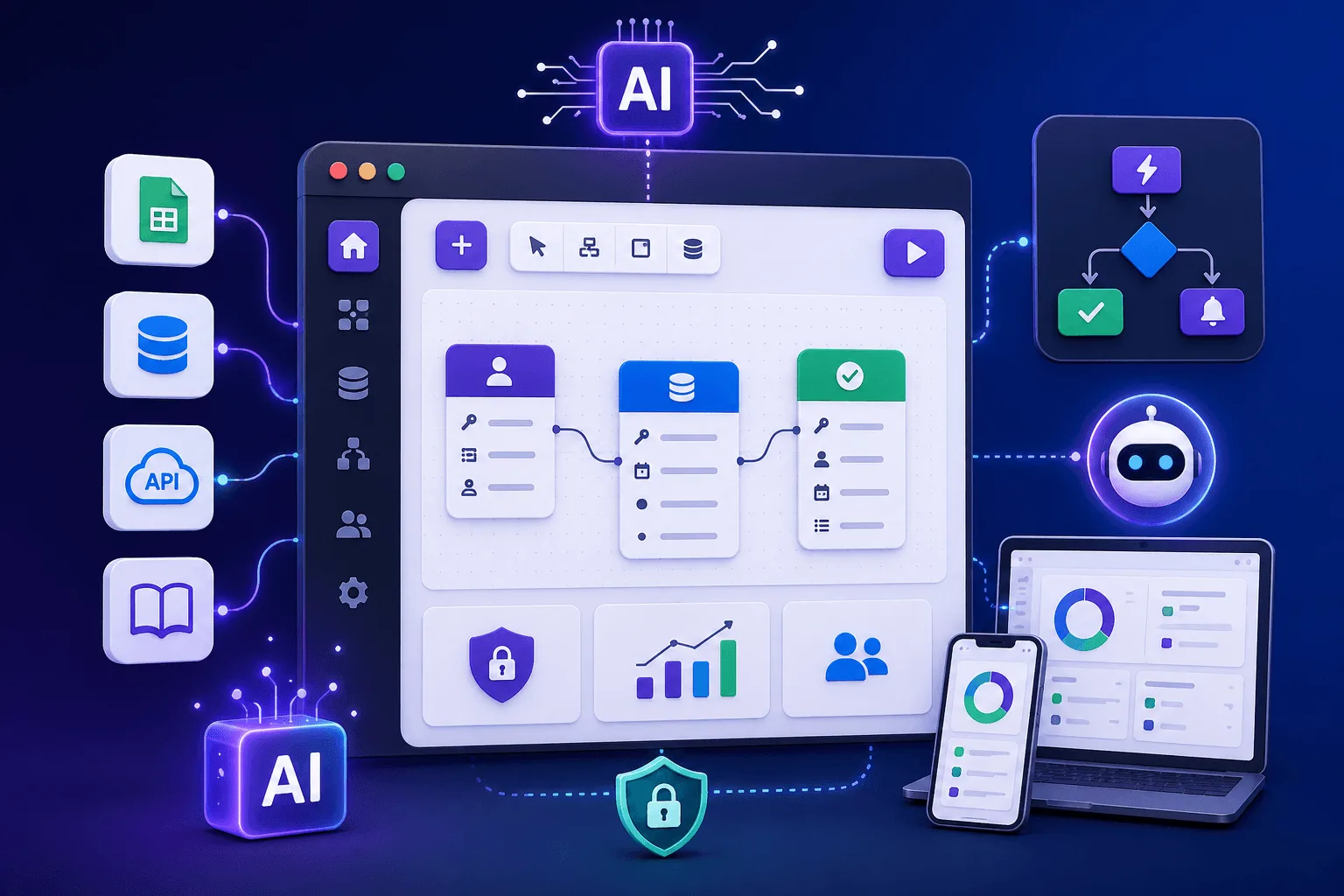
Now it's time to connect the information layer into your tool, which might include Google Sheets, various databases, external APIs, internal libraries, product documentation or other connected data sources.
This is where Omniflow’s Knowledge Base can be valuable. It can help internal tools use connected context, surface answers, and support automated workflows with better information. This is often much stronger than static internal documentation.
Step 4: Build a Minimum Viable Internal Tool
You might envision a comprehensive tool that can take care of all sorts of business-related tasks. But it's best to start with a simple internal tool first, not a massive custom software solution. Examples of Minimum Viable Product or MVP internal apps include:
approval tools
support triage tools
internal CRMs
employee request tools
Your internal tool should focus only on one core workflow, and it should only include a basic user interface, required data model to be functional, and essential logic. At this point, it's crucial to avoid overbuilding. Most internal tools do not need unlimited apps, dozens of integrations, or advanced developer tools on day one.
Step 5: Build the Interface and Add Custom Logic
Next up, you'll want to create your user interface. This may include forms, dashboards, mobile devices support, drag and drop components, internal tables and various workflow controls. This is where no code and low code platforms can help accelerate development.
And where needed, you can write custom logic or add custom code for more advanced use cases. That is important because some internal tools stay simple. But others become complex apps over time.
Your internal tool UI should start out simple, but should be thought of as the foundation upon which you can build in the future.
Step 6: Add Automated Workflows and Business Rules
Once your internal tool has a working UI interface and data model, the next step is adding automation, AI integrations, and business rules that make the tool truly useful. This is where internal tools move beyond simple forms and start functioning as operational systems that can save time, reduce errors, and streamline decisions.
With Omniflow, this can be done by combining connected external data sources, workflow logic, and the Knowledge Base. For example, you could build an approval tool that routes requests automatically while surfacing internal policies from the Knowledge Base when users need guidance. Your support tool could categorize requests and recommend next actions based on internal documentation.
This is often where businesses move beyond basic tools and start building internal tools that actively help run operations.
Step 7: Test the Tool With Real Users
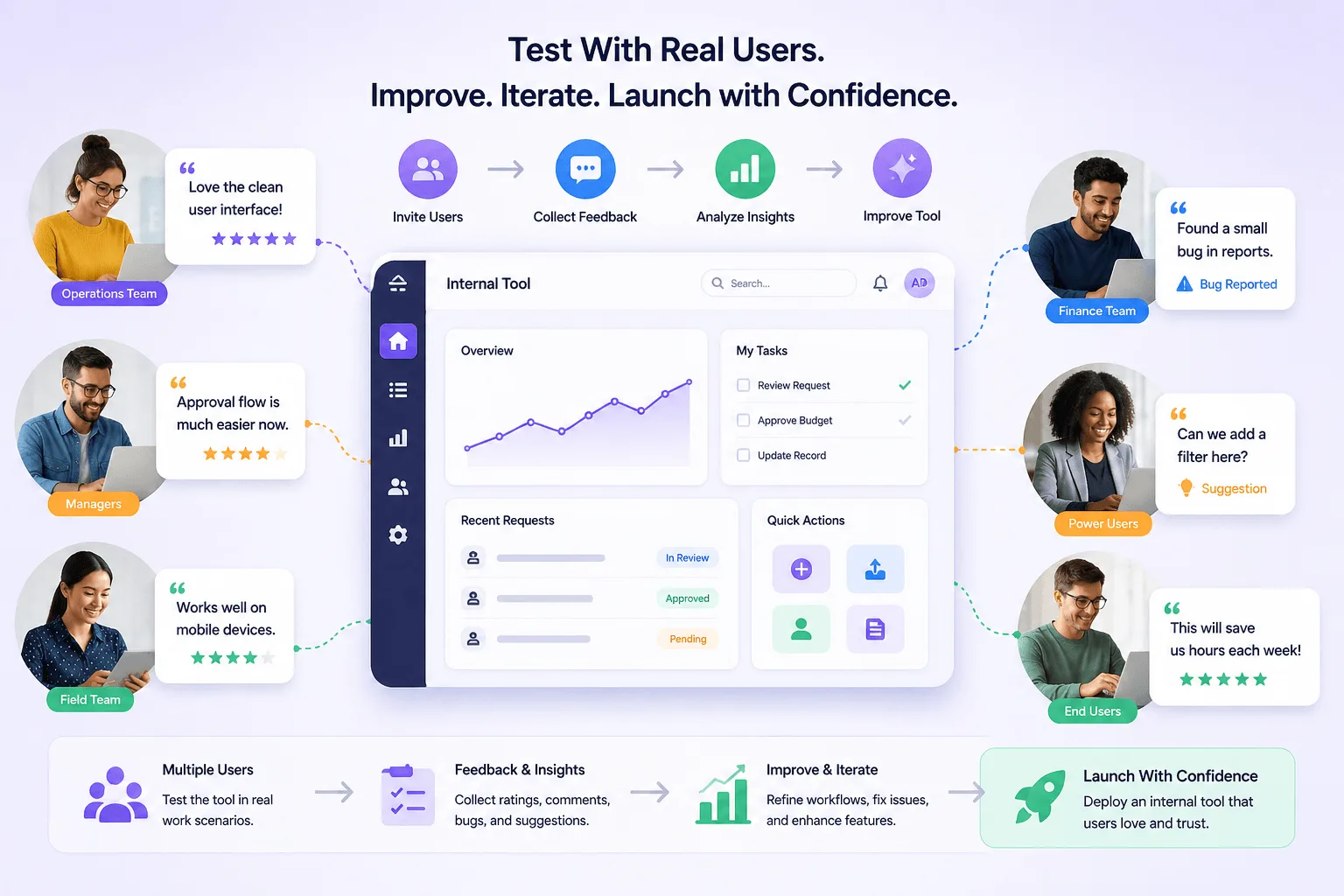
Before deployment, it's important to test your internal tool on actual users, especially non technical users. This allows you to evaluate factors such as user interface clarity, workflow speed, data entry friction, automation accuracy, and mobile devices usability.
One common mistake, however, is building internal tools that developers like, but employees struggle to use due to complexity. You want to avoid that, which is why it's crucial to test your tool on a variety of different colleagues to understand what works, what doesn't, and what you can improve upon next.
 Step 8: Launch, Measure, and Improve
Once deployed, it's time to start tracking metrics, such as tool adoption, time saved, workflow completion rates, data quality and process efficiency. Then, you can improve data model structure, automated workflows, user interface, custom logic, integrations, and anything else that still needs work.
The best internal tools evolve continuously, which is why we've designed Omniflow to be a living product platform. Omniflow helps you not only plan, create, and deploy internal tools, but also monitor, measure, iterate, and improve your tools over time.
Common Mistakes When Building Internal Tools
Building internal tools is easier than ever, but many businesses still make avoidable mistakes. Poor data models, weak automation logic, disconnected data sources, and overcomplicated interfaces can all limit adoption.
Here's a look at some of the most common mistakes builders make when creating internal tools with Omniflow:
Building Without a Data Model - Weak structure creates bad tools.
Overbuilding Complex Apps Too Early - Start simple.
Ignoring Existing Data Sources - Use the data you already have.
Choosing Tools That Limit Custom Logic - Some low code platforms break down at scale.
Neglecting Audit Logs and Compliance - Especially important in regulated workflows.
Automating Broken Processes - Bad processes do not improve through automation.
How Omniflow Can Help Build Internal Tools
Omniflow can help teams build internal tools faster by combining many of the capabilities businesses typically need into a single platform.
Instead of relying on disconnected developer tools, rigid internal tool builders, or traditional platforms, teams can use Omniflow to build custom internal tools with connected data sources, drag and drop UI creation, custom logic, and no code or low code flexibility.
This makes it possible to build everything from simple internal tools for data entry and workflow approvals to more complex apps that support automated workflows, internal libraries, and operational dashboards.
Features like Living PRDs help keep requirements aligned as tools evolve, while the Knowledge Base can add connected context and support smarter internal workflows. For businesses trying to build custom internal tools without large engineering teams, this can simplify development while supporting the flexibility needed to scale over time.
👉 Ready to build your first internal tool with Omniflow? Sign up and start building today and turn AI automation into your biggest advantage.
Frequently Asked Questions - How To Build Internal Tools With Omniflow
What is an internal tool?
An internal tool is software built for employees rather than customers. Businesses use internal tools to manage workflows, improve data entry, automate tasks, organize data sources, and streamline internal operations.
How do you build internal tools with AI?
To build internal tools with AI, start by identifying a workflow problem, defining a data model, connecting data sources, building a simple MVP, adding custom logic and automated workflows, then testing and improving the tool over time.
What is an internal tool builder?
An internal tool builder is a platform used to create custom internal tools, internal apps, dashboards, and workflow automation systems without building everything from scratch. Many internal tool builders support no code or low code development.
Can non technical users build internal tools?
Yes. Many modern no code and low code platforms allow non technical users to build simple internal tools using drag and drop interfaces, connected data sources, and prebuilt workflow logic.
What data sources can internal tools connect to?
Internal tools can often connect to Google Sheets, databases, APIs, internal libraries, existing business systems, and other structured or unstructured data sources.
What is the difference between no code and low code internal tool builders?
No code platforms rely mainly on visual building tools, while low code platforms may also support custom code, custom logic, and developer-level flexibility for more complex apps.
What are examples of internal tools businesses can build?
Examples include approval tools, internal CRMs, reporting dashboards, inventory tools, support routing tools, knowledge management apps, and mobile apps for internal teams.
Can internal tools support audit logs and regulatory compliance?
Yes. Many internal tools can support audit logs, permissions, version control, and regulatory compliance requirements, especially when handling sensitive or operational data.
Can I build custom internal tools without using Microsoft Power Apps?
Yes. Businesses can build custom internal tools using a variety of internal tool builders beyond Microsoft Power Apps, including platforms that support AI-assisted development, custom logic, and connected data models.
What is the biggest mistake when building internal tools?
One of the biggest mistakes is automating a broken process. Other common mistakes include skipping the data model, overbuilding too early, ignoring existing data sources, and choosing tools that limit scalability.