
Building an AI SaaS product has become more accessible as businesses look to turn artificial intelligence into scalable software solutions. Whether you want to launch an AI-powered web app, automate workflows, or create a niche software business, understanding how to build an AI SaaS product starts with choosing the right use case, architecture, and development approach. This guide explores how to build an AI SaaS product, from idea validation to implementation, and how platforms like Omniflow can help speed up development.
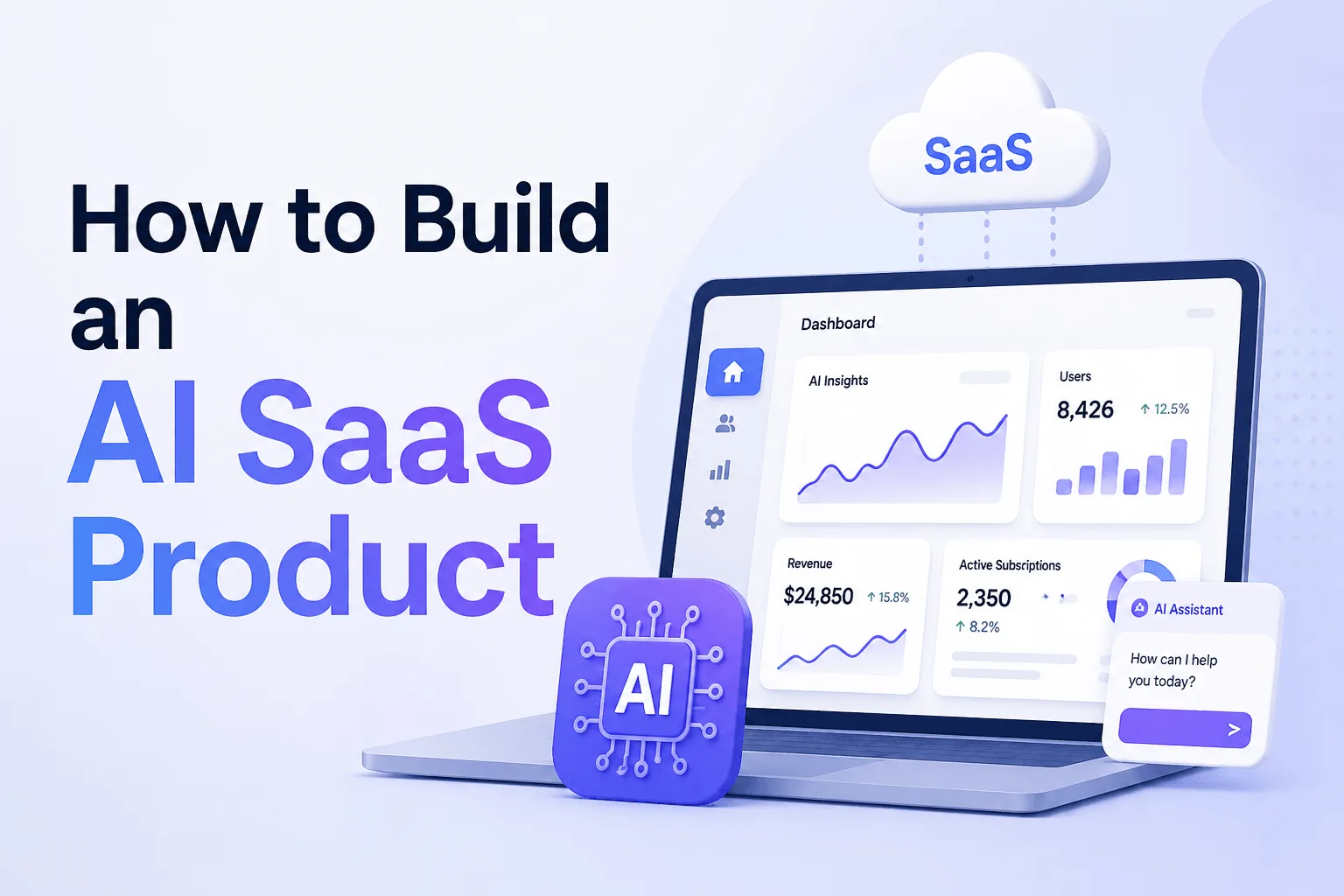 Artificial intelligence is lowering the barriers to software creation, making it possible for founders to launch an AI SaaS product faster than traditional development methods.
But building a successful product still takes more than choosing AI tools or plugging in large language models. You need a clear product idea, strong requirements, a scalable SaaS architecture, and the right approach to AI integration.
In this guide, you’ll learn how to build powerful AI tools and SaaS product step by step, from validating an idea and designing workflows to selecting AI models, building your MVP, and deploying a scalable AI SaaS platform. We’ll also cover how platforms like Omniflow can help simplify development with Living PRDs, visual building tools, and coherent regeneration.
What Is an AI SaaS Product?
An AI-powered SaaS product is cloud software that delivers artificial intelligence capabilities as part of a subscription-based service. A few common examples of profitable micro-SaaS products include:
AI writing platforms
Predictive analytics software
Natural language processing tools
AI-powered customer support software
Data analysis and workflow automation platforms
Machine learning SaaS solutions
Unlike traditional SaaS platforms, AI SaaS products often include components like AI models, data pipelines, AI integrations, inference logic, and user-facing automation workflows. That added complexity is why planning matters.
👉 Related reading: If you are still evaluating product ideas, see Omniflow’s posts on AI product ideas, micro-SaaS opportunities, and the real cost of requirement drift.
How To Build An AI SaaS Platform
Now that we have a better idea of what an AI SaaS product is, let's jump into exactly how builders can use Omniflow to achieve their goals.
Step 1: Validate the AI SaaS Problem Before You Build
Many founders start by choosing AI technologies first. That is backwards. The most successful founders, product managers and teams start with the problem first... Ask yourself:
What repetitive task can AI improve?
What workflow contains friction?
What decisions could benefit from predictive analytics?
Where can natural language processing create user value?
Is this problem painful enough for users to pay monthly to solve it?
Strong AI SaaS ideas usually combine recurring problems, recurring usage, and recurring revenue opportunities, which is why software-as-a-service is such a desirable niche in the first place.
Step 2: Define Your SaaS Architecture and Core Requirements
Before writing code, define the product architecture. Even a basic AI SaaS platform may need a frontend application, authentication, database, user roles and permissions, an API layer, AI model layer, billing infrastructure and data security controls. And this is where many products begin to suffer requirement drift.
Thankfully, Omniflow has the solution... A Living PRD! This helps keep Requirements, workflows, UI, and code aligned as the product evolves. At this point in the process, you might want to ask yourself questions, such as:
What does the user workflow look like?
Where does AI enter the workflow?
What data does the system need?
What outputs should the model generate?
How will users interact with those outputs?
For example, an AI-powered data analysis SaaS might ingest uploaded spreadsheets, apply machine learning models, then return predictive forecasts through dashboards. That requires much more than “adding AI.” It requires system design, which is a much larger task and needs to be considered before any of the build is started.
 Step 3: Choose the Right AI Capabilities for the Product
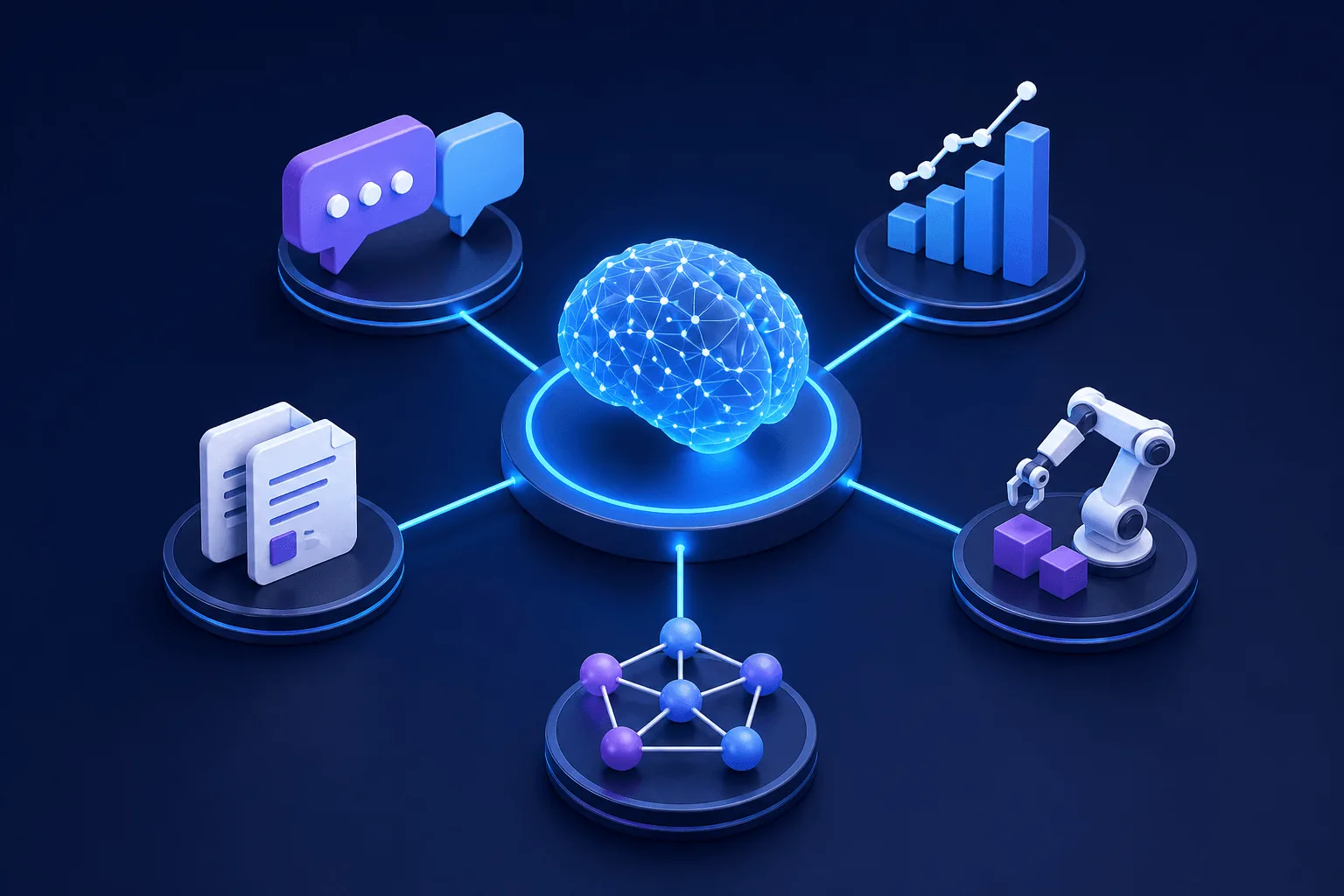
Not every AI SaaS product needs advanced machine learning. That's why it's crucial to choose AI capabilities and AI-powered tools based on the problem that your product is trying to solve. A few possible AI capability options include:
Natural Language Processing - Useful for chat assistants, summarization, search and document analysis
Predictive Analytics - Useful for forecasting, risk scoring, rrecommendations and anomaly detection
Machine Learning Models - Useful when custom training or pattern recognition matters.
Generative AI Models - Useful for content generation, code assistance, and conversational interfaces
The mistake many SaaS companies make is layering in too many cutting-edge AI technologies at once. From our experience, it's best to start narrow and solve one use case well. Then, move on to adding other AI integrations later on if needed.
Step 4: Build a Minimum Viable AI SaaS Product
Do not build your full vision first. Yes, we get you want to build what you have in mind. But if you move too fast, you're bound to end up with mistakes that are time-consuming to fix later on. Instead, it's best to build an MVP or Minimum Viable Product first.
Your MVP should prove:
users want the solution
the AI output is valuable
workflows function reliably
users will pay
At this point, include only essential AI functionality, and not advanced analytics, enterprise permissions, a dozen different integrations or multi-model orchestration. Overbuilding early is where many AI SaaS providers fail.
Step 5: Build the Product Interface and User Workflows
You already know that AI does not replace product design and that poor UX can ruin strong AI. You'll be glad to learn that Omniflow has an easy-to-use Visual Editor, which helps accelerate user interface development without creating fragmented code.
At this point, you'll want to designed your UI around user prompts, outputs, confidence signals, approvals, and human overrides. Especially in AI-powered tools involving data analysis, predictions, or recommendations.
A few useful questions to ask at this stage are:
How does the user submit inputs?
How are AI outputs displayed?
Can users refine or reject outputs?
Where is trust established?
This is where visual editors can help simplify iteration. Good AI SaaS products often win through workflow design, not superior models. High-quality, intuitive, and easy-to-use interfaces are often overlooked.
Step 6: Add Integrations, Security, and SaaS Infrastructure
Next up, it's time to add the supporting infrastructure, which might include payment processing, CRM integrations, external APIs, user authentication, monitoring or data security controls.
If you are building a serious AI SaaS platform, data security cannot be an afterthought, especially if your users will be submitting customer data, financial data or internal business information. Many SaaS companies underestimate trust requirements. Users do not.
At this point, it's also important to evaluate whether your product needs:
multi-tenant architecture
usage-based billing
model usage controls
These decisions affect scalability later. So don't forget to think about them before you get ahead of yourself.
Step 7: Test the AI Outputs Before You Scale
One dangerous mistake to make is to assume your AI model works simply because it returns responses. Before you deploy your AI solution, you'll want to test for output quality, consistency, hallucination risks, workflow failures, latency issues and other outlier edge cases.
This is especially important in AI SaaS products using natural language processing or predictive analytics. Bad outputs can damage trust fast. Therefore, it's crucial to test with real users before broad launch.
 Step 8: Launch, Measure, and Improve the Product
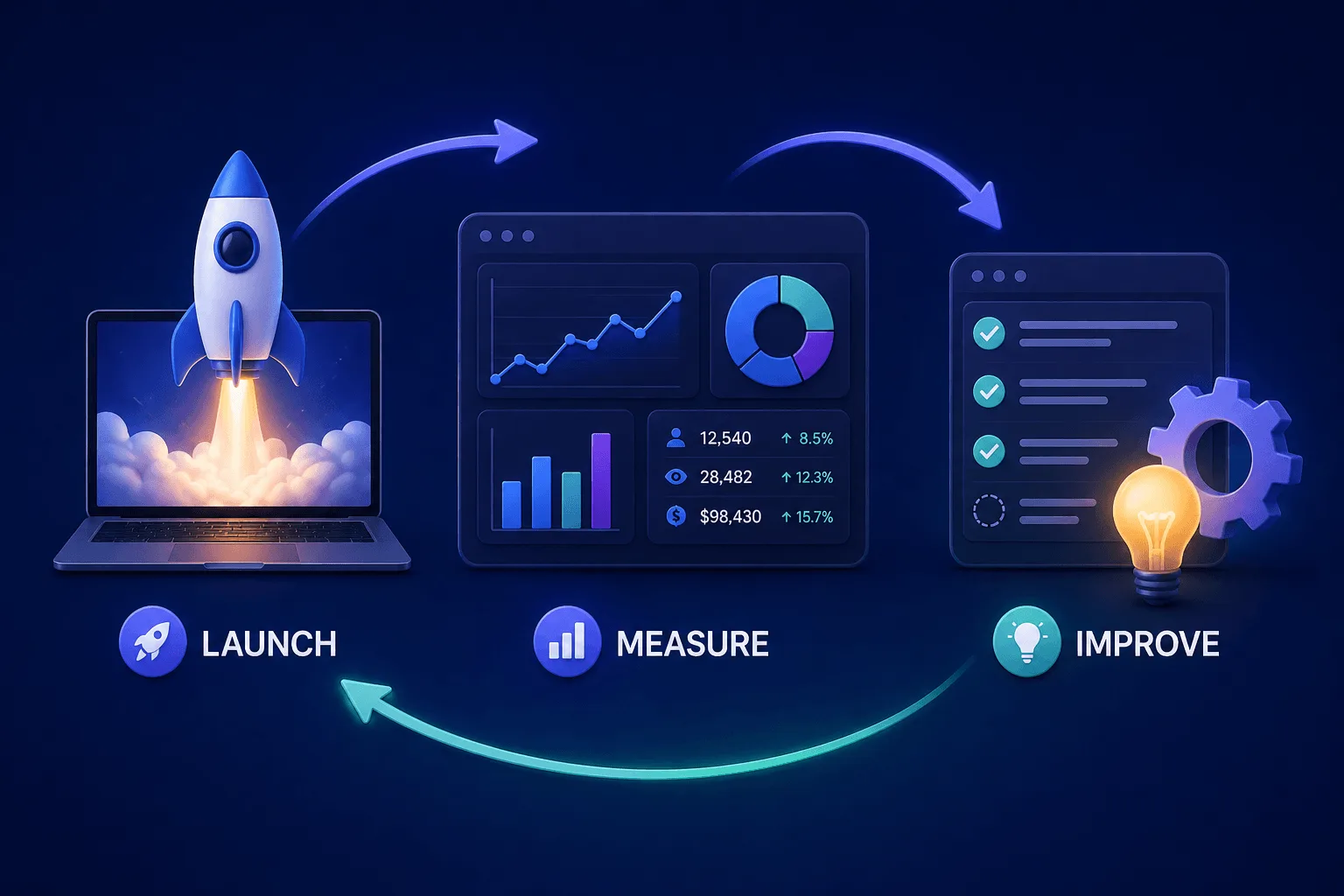
Once you've finalized your product, Omniflow makes it easy to deploy your new web applications. However, launching is not the end of the road. It is now time to test customer satisfaction and collect feedback. For this, you'll want to track:
user activation
retention
usage frequency
churn
model performance
expansion opportunities
This is where AI SaaS development becomes iterative. As they collect feedback about their product, AI SaaS companies can work towards improving prompts, workflows, product logic, interfaces and models.
The best AI SaaS products evolve continuously. This is where coherent regeneration and synchronized product systems can help avoid AI spaghetti as complexity grows.
Common Mistakes When Building an AI SaaS Product
Building an AI SaaS product is easier than it has ever been, but that does not mean the process is simple. Many founders make avoidable mistakes early, whether by overbuilding features, choosing AI models before defining workflows, or neglecting requirements and data security. Understanding these common pitfalls can help you reduce risk, improve product decisions, and build a stronger AI SaaS platform from the start.
Building Before Validating Demand - A technically impressive product can still fail commercially.
Overbuilding the MVP - Most first versions include too much.
Choosing AI Models Before Designing Workflows - This is one of the biggest mistakes in AI development.
Ignoring Requirement Drift - Misalignment between product requirements and code compounds fast.
Treating AI as the Product Instead of the Feature - Often AI is an enabling layer, not the entire value proposition.
How Omniflow Can Help Build an AI SaaS Product
Omniflow is designed to be an intuitive all-in-one continuous product creation platform. We've built it specifically to help users accelerate AI SaaS development by combining:
integrated auth and database infrastructure
coherent regeneration
synchronized requirements and code
That can simplify building an MVP while reducing fragmentation as the product grows. Particularly for founders building AI SaaS products without large engineering teams.
👉 Ready to start building the AI SaaS product you've always envisioned? Sign up and start building with Omniflow today and turn AI automation into your biggest advantage.
Frequently Asked Questions - How SaaS Companies Are Using AI Models To Build Better Products
What is an AI SaaS product?
An AI SaaS product is subscription-based software that uses artificial intelligence capabilities such as machine learning, natural language processing, predictive analytics, or automation to help users solve a problem. Examples include AI writing software, AI-powered data analysis platforms, and workflow automation tools.
How do AI SaaS companies build products?
To build an AI SaaS product, you typically start by validating a problem, defining product requirements, designing the SaaS architecture, selecting the right AI models, building an MVP, adding integrations, testing outputs, and iterating after launch.
What do you need to build an AI SaaS platform?
Most AI SaaS platforms need a frontend, authentication, database, AI integrations, APIs, user workflows, billing infrastructure, and data security controls. Some products may also require machine learning models, predictive analytics systems, or natural language processing tools.
How much does it cost to build an AI SaaS product?
Costs can vary widely depending on complexity. A simple MVP may cost a few thousand dollars to launch, while larger AI SaaS products with advanced AI capabilities, custom models, and enterprise-grade infrastructure can cost significantly more.
Do I need machine learning to build an AI SaaS product?
No. Many AI SaaS companies use existing business systems or AI models through APIs rather than building custom machine learning systems from scratch. In many cases, workflow design matters more than AI SaaS product development.
What are examples of profitable AI SaaS products?
Examples of profitable AI SaaS products include:
AI sales prospecting software
AI-powered customer support tools
Predictive analytics platforms
AI contract review software
Data analysis automation tools
Natural language processing applications
What is the biggest mistake when building AI SaaS products?
One of the biggest mistakes is choosing AI technologies before defining the product workflow and user problem. Other common mistakes include overbuilding the MVP, ignoring requirement drift, and neglecting data security.
How long does it take for AI SaaS development?
Some founders can build a basic MVP in weeks, while others may take months depending on the scope, integrations, and complexity of the SaaS solution. AI-assisted development platforms can often accelerate this process.
Can you build an AI SaaS product without coding?
It is increasingly possible to build or prototype parts of an AI SaaS product without traditional coding using AI development platforms, visual editors, and no-code or low-code tools, though more complex products may still require technical work.
What is the difference between traditional SaaS and AI SaaS?
Traditional SaaS delivers software functionality through the cloud, while AI SaaS products add intelligence through AI capabilities such as automation, prediction, recommendations, or natural language interactions.