
Using an AI product builder has fundamentally changed what it means to launch a software product. Ideas that once took six-figure budgets and months of engineering cycles can now go from concept to a working, production-ready AI product in days. This guide breaks down exactly how that process works, what makes it possible, and how you can do it yourself.
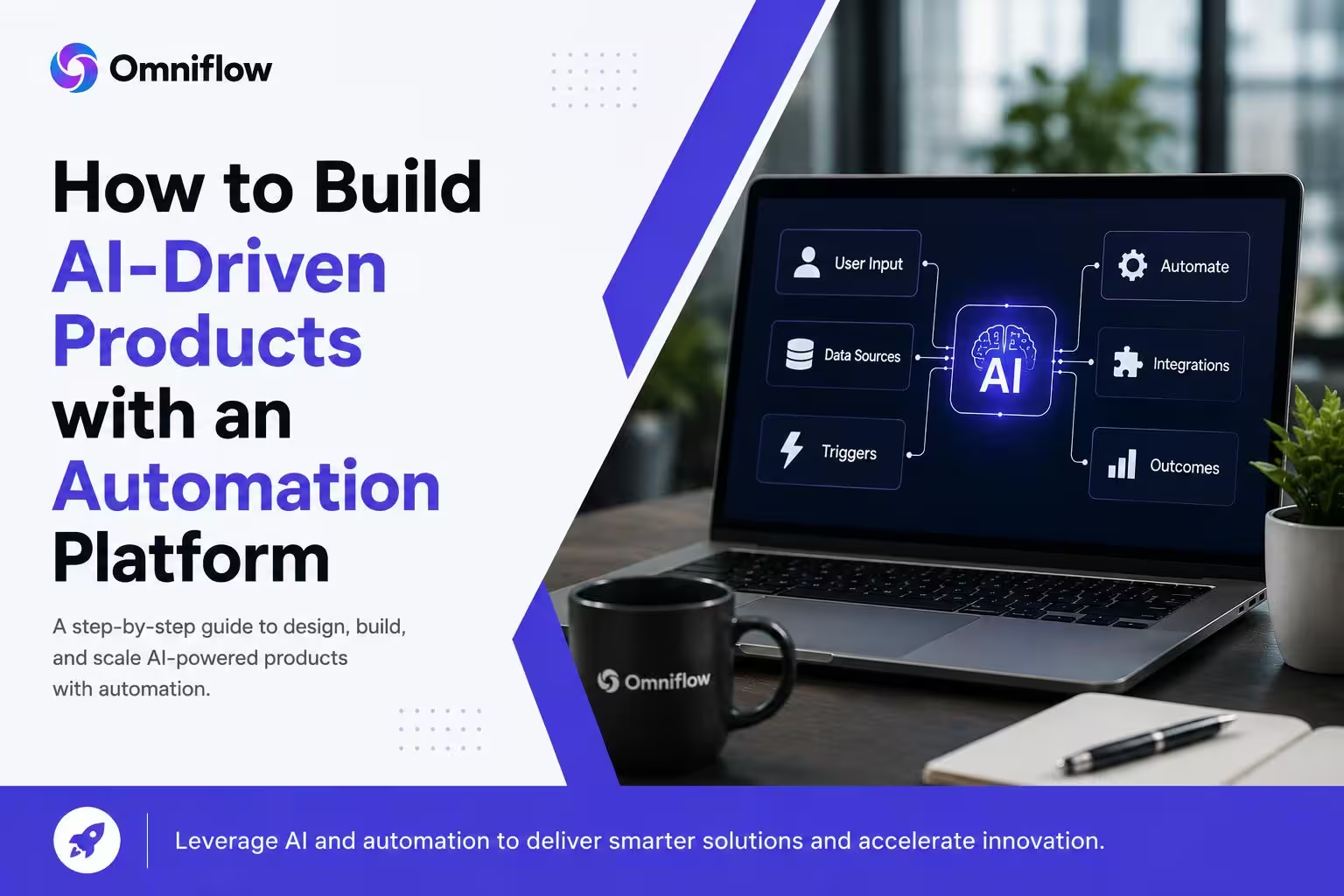 What It Really Means to Build AI-Driven Products Today
The phrase "building AI-powered products" has been diluted by hype. A lot of what gets called an AI product is just a thin wrapper around a third-party API with no real workflow automation, no database, and no scalable infrastructure underneath it. When product teams and founders talk about building AI products that actually matter in a business context, they mean something more complete: a system that uses an AI model to make decisions, process data in real time, and deliver outcomes that create tangible customer satisfaction.
That requires more than a prompt box. You need authentication, a persistent database, business logic, user experience flows, and a way to deploy reliably. This is where most early attempts at building ai products without coding skills fall apart. The tools people reach for first are either too narrow (just a chatbot builder) or too open-ended (raw APIs with no interface). A purpose-built AI SaaS development environment closes that gap by giving you a full-stack workspace designed specifically for AI-first product development.
The Core Components of a Production-Ready AI Product
Before you start building, it helps to understand what separates a prototype from a production-ready AI system. A lot of founders and product teams get stuck at the prototype stage because they built a demo that works in one scenario but falls apart at scale or when handed to real users. Production-ready ai means your product can handle real traffic, real edge cases, and real business logic, not just a curated demo path.
Here are the layers a complete AI-driven product needs. Notice that writing code to stitch all of these together manually is where the real time and cost goes in traditional app development.
AI Model Layer: The brain of your product. This could be a large language model, a predictive analytics engine, a classification model, or a combination. The key is that it needs to be connected to your product's data and logic, not floating in isolation.
Data and Database Layer: Your AI needs persistent, structured data to work with. User profiles, historical inputs, outputs, and configurations all need to live somewhere reliable that the AI model can read from and write to in real time.
Business Logic Layer: This is where your workflows live. It determines what happens when the AI returns a result: does it trigger an email, update a record, route a user, or call another AI system? Workflow automation at this layer is what makes an AI tool actually useful as a product.
User Experience Layer: The interface your users interact with. This needs to feel intuitive and match the AI's capabilities. Poor user experience kills even the most technically impressive AI systems by making them confusing or slow to use.
Authentication and Access Control: Multi-user AI systems need role-based access, secure sessions, and data isolation between users. This is non-trivial to build from scratch and is often what delays SaaS app launches the most.
Deployment and Infrastructure: Your product needs to be accessible, fast, and stable. For most teams, managing servers, CI/CD pipelines, and environment configurations is a distraction from product development, not a core competency.
When you are evaluating platforms for building ai products, the key question is: how many of these layers does the platform handle for you? The best platforms handle all of them in one place, letting you focus entirely on what makes your product unique.
Building AI Products Without Coding Skills: What Is Actually Possible
There is a genuine distinction between what you can and cannot build without coding skills, and it matters for setting expectations. A few years ago, building ai products without coding skills meant building something limited: a chatbot, a simple form, maybe a basic dashboard. The category of problems you could solve was narrow. That has changed significantly. Modern AI-native platforms have raised the ceiling on what non-technical builders can ship, and many of the limitations that existed in early no-code tools are now handled automatically under the hood.
What does that look like in practice? Product managers can now define complex multi-step AI workflows visually. Startup founders can connect to live databases, wire up third-party integrations, and deploy a full saas application to users without touching a terminal. Customer success teams can build custom ai solutions for their specific workflows without filing a ticket to engineering. The common thread across all of these scenarios is that the platform handles the code platforms complexity while you focus on product decisions. That shift is what makes building ai for production without a traditional engineering team realistic in 2025.
Where No-Code AI Platforms Still Have Limits
It is worth being honest about where friction still exists. If your product needs highly custom machine learning pipelines, novel model training, or deeply specialized ai technologies, you will eventually need engineering involvement. Most business-facing AI products do not fall into this category. Still, if yours does, a hybrid approach, where you use a platform for the product shell and custom code for the AI core, is a practical middle ground that still saves significant time.
Real-world example: According to discussions on r/SaaS on Reddit, many solo founders have successfully launched AI-powered SaaS tools without a technical co-founder by using platforms that abstract away infrastructure and focus the builder on product logic. The thread consensus consistently points to time-to-first-user as the most important metric at the early stage, which is exactly where AI product builders have the clearest advantage.
How to Build a Custom AI SaaS Product Step by Step
The process of building a saas app with an AI automation platform follows a more predictable path than traditional software development. Instead of a waterfall of design, development, and QA phases, you work iteratively inside a single environment. The steps below reflect how the most successful teams approach this, whether they are building their first product or their tenth.
Start by defining the problem your product solves and the AI model that powers the core action. This sounds obvious, but skipping this step is the single most common reason AI products stall after their first version. Without a clear understanding of what the AI is doing and why users should care, even a beautifully built product will fail to retain customers. Once your product concept is solid, the platform handles the scaffolding so you can move directly into building and testing.
Step 1: Define the AI use case. Identify the specific problem your AI model will solve and what output it needs to produce. Be specific: "summarize support tickets and route them to the right team" is a use case. "Use AI" is not.
Step 2: Map the data model. Decide what data your product stores, how users interact with it, and what the AI model needs to read from and write to. This becomes your database schema inside the platform.
Step 3: Design the user flow. Build the screens and interactions users will navigate. Modern platforms include visual UI editors that let you design production-quality interfaces without a separate design tool.
Step 4: Connect the AI model. Wire your chosen AI model into the workflow. This could be an LLM for text generation, a classifier for categorization, or a predictive analytics model for forecasting. The platform handles the API calls and response parsing.
Step 5: Add business logic and workflow automation. Define what happens before and after the AI model runs. Triggers, conditions, notifications, database writes, and external integrations all live at this layer.
Step 6: Test with real users and iterate. Launch a private beta, collect feedback, and iterate quickly. The speed advantage of platform-based development is most visible here. Changes that would take days in a traditional engineering workflow take hours on a well-designed platform.
Teams that follow this process consistently report faster time-to-market and higher confidence in what they are shipping, because they are testing real product experiences with users rather than waiting for development cycles to complete. For a deeper dive into cost and time benchmarks, the AI development cost statistics compiled by the Omniflow team provide useful context on what different approaches actually cost in practice.
Why Omniflow AI Is Built Differently for AI Product Teams
Most platforms were built for general app development and then bolted on AI features later. Omniflow AI was designed from the ground up for teams building AI-first products, which means the AI layer is not an afterthought. It is the foundation. The platform gives you a unified workspace for product requirements, frontend design, backend logic, database management, and AI model connections, all in a single environment that keeps your spec and your code in sync.
What sets it apart for teams building ai products in production is the combination of a visual interface that non-developers can use and an underlying architecture that engineers respect. Product managers can drive product decisions in the same environment where developers, if you have them, can extend and customize. There is no handoff gap between what was designed and what was built, because they happen in the same place. The product creation use cases section shows how different teams have applied this to real products.
Production-Ready AI No Engineering Team Needed Full-Stack SaaS Support AI Model Integration Visual + Code Hybrid
Real teams have used Omniflow AI to ship working prototypes overnight, rebuild SaaS platforms in a fraction of the expected timeline, and eliminate the requirement for a dedicated AI team for most product work. As Wikipedia notes about no-code development platforms, the category has matured significantly, but the differentiator in 2025 is no longer whether a platform supports AI. It is whether the AI support is deep enough to build real, production-grade products rather than demos.
Building AI Products Without an AI Team: The Realistic Path
One of the most common concerns founders and product leads raise is whether it is genuinely possible to build production-quality AI products without an AI team. The concern is valid. Building and fine-tuning machine learning models, managing inference infrastructure, and ensuring model safety and reliability are legitimately hard problems. But here is the honest reality: most AI products do not need custom models. They need good products built around existing, highly capable models, connected to the right data and wrapped in a good user experience.
The demand for engineering talent in AI is real, but the Quora discussions around non-technical AI founders consistently show that the biggest barrier is not model development. It is product development speed, design quality, and deployment reliability. An AI automation platform directly addresses all three. Teams building AI for the first time often find that a well-structured platform teaches them what a well-built AI product looks like, which makes future product decisions faster and smarter. For teams exploring what is possible, the AI product idea library is a practical starting point.
When You Should Still Bring in Engineering Help
There are scenarios where engineering involvement adds real value even when you are using a platform. If your product requires fine-tuned AI models on proprietary data, real-time ML inference at high volume, or deeply custom integrations with legacy enterprise systems, a platform handles the product layer while engineers focus on the specialized AI work. That division of labor is far more efficient than building everything from scratch.
Workflow Automation and AI: How They Work Together in a Real Product
Workflow automation and AI are often treated as separate capabilities in product tools. You have automation platforms on one side and AI tools on the other, and connecting them requires custom integrations, middleware, and ongoing maintenance. The problem with that separation is that the most valuable AI-driven products are ones where AI is embedded inside the workflow, not sitting alongside it. The AI model needs to trigger actions, receive results from other steps, and influence what happens next in real time.
When workflow automation is native to the AI product builder, you get a qualitatively different kind of product. An AI that receives a document, extracts key information, writes it to a database, triggers a notification, and updates a user's dashboard is doing something fundamentally more useful than an AI that answers a question in a chat box. This is what separates ai systems that drive customer satisfaction from AI experiments that get abandoned after the novelty wears off. The products that stick are the ones where AI is doing real work inside a real workflow, automatically, reliably, and in a way that users experience as seamless.
Connecting AI to Real Business Logic
The practical step here is mapping your existing business processes before you start building. Where does manual work happen today that an AI model could automate or augment? Those are your highest-value integration points. Build the AI capability directly into that workflow, test it with real users, and measure the impact on the outcomes that matter before expanding to other parts of the product.
Common Mistakes Teams Make When Building AI Products
After watching hundreds of teams attempt to build AI-driven products, some patterns emerge around what causes projects to stall or fail. Understanding these ahead of time can save months of wasted effort and significant cost. The most common mistake is treating the AI as the product rather than treating the user's outcome as the product. Teams spend enormous energy on the AI layer, the model selection, prompt engineering, and output quality, while neglecting the workflow automation, user experience, and data infrastructure that make the AI output actually useful to someone.
The second most common mistake is building too much before testing with users. AI products are especially prone to this because they feel impressive in demos and easy to imagine scaling. The reality is that user behavior around AI tools is often surprising. What users actually do with an AI product, how they phrase inputs, where they get confused, and what output formats they find actionable, can only be discovered by shipping early and watching real usage. Platforms that let you iterate quickly are structurally better for this discovery process than codebases that require engineering cycles to change.
The Infrastructure Trap in AI Development
Many technically sophisticated teams get pulled into building custom AI infrastructure because they believe it will give them a competitive edge. In reality, infrastructure is almost never a competitive advantage in the product layer. The edge comes from understanding your users better and building the right AI-powered workflow for their specific need. Investing in infrastructure early redirects time and capital away from the product insights that actually determine whether the product succeeds.
Ready to Build Your AI-Driven Product?
Building an AI product in 2025 is no longer a question of whether you have the technical resources. The right AI product builder removes that barrier and puts the focus where it belongs: on understanding your users, defining the right AI-powered workflow, and shipping something people actually want to use. The teams succeeding right now are not the ones with the biggest engineering budget. They are the ones moving fastest, learning from real users, and iterating without friction.
If you are serious about building ai-powered products that are production-ready, scalable, and built without burning months on infrastructure, Omniflow AI is worth exploring. From defining your product requirements to deploying a full-stack saas application with AI model integration, the platform is designed to take you the whole way. Visit omniflowai.com to explore the platform, review real use cases, and start building the AI product you have been planning.
Frequently Asked Questions
What do you need to build AI for production?
To build AI for production, you need a clear product requirement, a reliable AI model layer, a database, authentication, and deployment infrastructure. With a modern AI product builder, you can connect all of these without writing infrastructure code from scratch or managing complex DevOps pipelines.
How much does it cost to build custom AI products?
Traditional software development for custom AI products can cost between $50,000 and $300,000 depending on scope. Using a no-code AI automation platform can reduce this significantly, often to a few hundred dollars per month, making it accessible for startups and solo founders.
What are the best no-code tools for building AI products?
The best no-code tools for building AI products in 2025 include Omniflow AI, Bubble, Webflow, and Retool. Omniflow stands out specifically for building full-stack, production-ready AI SaaS products with real databases, logic layers, and AI model integrations out of the box.
How can startups build AI-powered products faster?
Startups can build AI-powered products faster by using platforms that unify design, logic, data, and AI model connections in one place. This removes the handoff delays between frontend, backend, and AI teams, cutting typical development timelines from months down to days or weeks.
Is it possible to build AI-driven products without developers?
Yes. Modern AI product builder platforms allow product managers, founders, and non-technical users to build, iterate, and launch AI-driven products without writing code. You can define logic, connect AI models, manage databases, and deploy to production entirely through a visual interface.
Can I build a SaaS app with an AI automation platform?
Absolutely. AI automation platforms like Omniflow are specifically designed to help you build AI SaaS products with multi-tenant support, authentication, billing, and AI-powered features all from a single environment without needing a dedicated engineering team.
What is the difference between building AI products with and without an AI team?
Without an AI team, you rely on platform-level abstractions that handle model routing, prompt engineering, and output parsing automatically. With an AI team, you get more customization but at much higher cost and time. For most product use cases, the platform approach ships faster and cheaper.