
Someone asks a simple question in a meeting. "How did we perform last week?" The room goes quiet. Someone opens up a spreadsheet. Someone else opens a different tab. A third person says their tab is different. Three people, three tools, and three different answers to the same question.
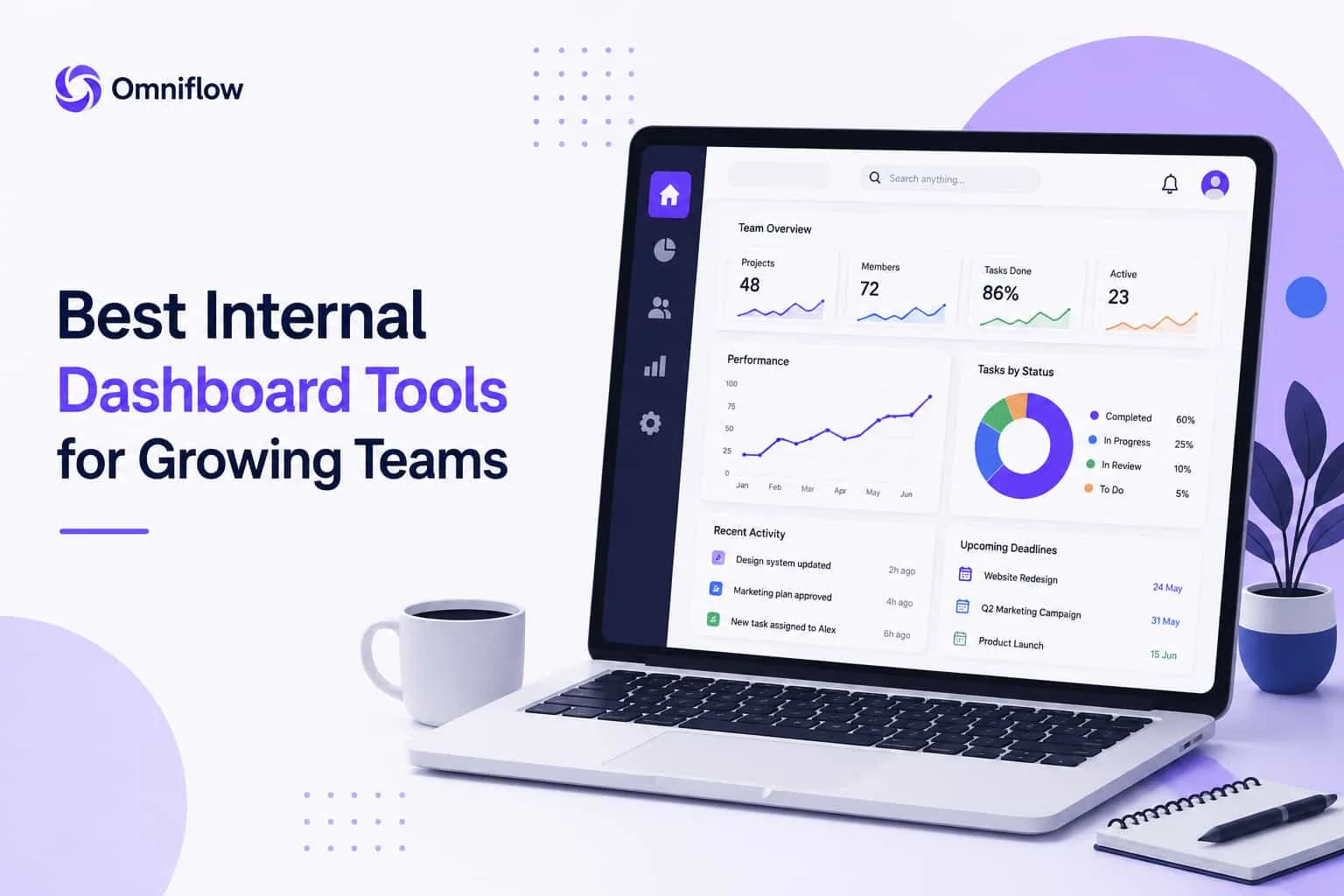 This is the time when the manager thinks. “We need a dashboard instead of a spreadsheet to properly look into the work dynamics and the connectivity between tasks and teams.” A proper internal system where you can see task assignment and the work performance together. And this is where teams start looking for internal dashboard tools.
What Are Internal Dashboard Tools?
Think of an internal dashboard as your team's single source of information. It accesses data from all your tools, such as CRM, project tracker, Google Analytics, Google Ads, and the support platform. Then it shows everything in one live, connected view. No more chasing updates. No more waiting for someone to compile a Friday report. Just real time data your whole team can see and act on.
When you have to manage data from different tools, an internal dashboard becomes so important at this stage. Many growing companies build these systems as custom internal tools that fit their exact workflows.
Why Internal Dashboard Tools are the Need of Growing Teams
Small teams communicate naturally. You sit near each other, ask questions, and know what is happening. But somewhere between 10 and 20 people, this natural visibility disappears. Sales tracks things one way. Operations tracks things differently. Support has its own system.
And when leadership asks for a combined view, someone spends three hours manually getting and combining data into a deck that is already outdated by the time it lands in inboxes.
I spoke with a founder who described it perfectly. "We were not blind. We were flying with ten different maps, none of which connected."
And yes, this is the visibility restraint that makes the performance assessment go slowly. Good team dashboard tools solve this problem by connecting all your data sources into one place that your whole team actually trusts. Facts, KPIs, assessments, that are transparently communicated.
How to Choose the Best Internal Dashboard Tools for Teams
Before looking at specific tools, know what to actually evaluate. Because picking the wrong one here wastes weeks.
Ask yourself these questions before you choose the internal dashboard teams for your team:
Can non-technical people use it daily without filing a developer ticket?
Does it connect natively to the data sources your team already runs on?
Does it update in real time, or is it just a slow, automated report?
Does it support your specific business logic, or does it force you into someone else's template?
Does it scale comfortably as your team grows?
Get honest answers to these before you open a single demo. Teams evaluating custom dashboard solutions should also consider whether the platform supports custom business software requirements as the company expands.
The Best Internal Dashboard Software for Growing Teams
Now here are some actually good tools that are helpful for managing it all inside one dashboard.
Power BI: For Teams Already Using Microsoft
Power BI handles complex data analysis well. It connects deeply with Microsoft 365, supports strong interactive visuals, and gives you control over how you model and display data.
The problem is the learning curve because using it might sound to some of your team members as technical.
Power BI is helpful for teams who understand data modeling. If your operations team wants to build dashboards independently from day one, it will feel heavy. But with the right skills in-house, it is one of the most capable options available.
Metabase: For Teams That Want Real Data Without a Full Data Team
Metabase is in a great middle ground. Technical people write SQL queries and turn them into clean dashboards. Non-technical users explore data through a simple question interface.
It is open-source, so you can self-host it if data privacy matters. For small businesses that want data integration without hiring a data engineer, Metabase gives you serious capability at a reasonable cost.
Retool: Best Custom Internal Dashboard Platform for Operational Teams
Retool goes beyond dashboards. It is a platform for building custom internal tools on top of your real databases and APIs, such as employee performance dashboards, admin panels, client portals, and custom workflows, all connected to your actual data.
Drag and drop functionality makes it accessible once the data connections are in place. It needs a technical person for initial setup, but after that, your operations team builds and adjusts views without developer help.
For teams that keep hitting the limits of off-the-shelf software, Retool is helpful.
Looker Studio: For Teams Running on Google Data
If your business runs through Google Ads, Google Analytics, Google Sheets, or BigQuery, Looker Studio connects to all of it almost instantly. It is free to start, easy to share, and builds clean interactive visuals fast.
For marketing teams tracking campaign performance, it is one of the fastest paths from raw data to a readable dashboard. Just know that stepping outside the Google ecosystem makes data integration more complex.
Omniflow: For Teams That Want a Custom Dashboard Without the Build Chaos
Most dashboard tools give you a blank canvas. You connect your data sources, drag some charts around, try to make it coherent, and hope it holds together six months later when your requirements have shifted.
Omniflow works differently. You describe what your team needs to see. The metrics, workflows, and employee performance data.
Omniflow builds a structured product requirements document (PRD) first. You review exactly what the dashboard tracks, how data flows, and what each team sees before you develop on it. Then it generates the full design and a working product tied directly to that spec.
This is important because the hardest part of any internal dashboard is not the first version. It is keeping it aligned with how the business actually works as things change.
With Omniflow, when your requirements shift, the design, data model, and interface all update together through its unified workflow system.
Internal Dashboard Tools for Employee Performance Tracking
When your team was five people, you knew instinctively who was overloaded, who was blocked, and what was moving. At fifteen people, that instinct stops working.
An employee performance dashboard gives that visibility back through alignment. Who has too much on their plate? Which projects are behind because a dependency is stuck? Where is the team spending time versus where the business needs them?
Teams that build this kind of dashboard describe it as the first time leadership and team members looked at the same reality. No arguing about whose version of events is right. One shared view, and decisions made from there.
The key is connecting the right data sources. Your project management tool, time tracking, and output metrics, and building around the questions your managers ask every week.
Custom Internal Dashboard Tools for Small Businesses: Build vs. Buy
Off-the-shelf business dashboard software works great when your workflows are standard. Tracking standard sales numbers, support volumes, or project status? No reason to build from scratch.
But the moment you keep exporting to a spreadsheet to do a calculation the dashboard cannot handle or your team stops trusting the dashboard because it never shows quite the right thing, then this is your sign to go custom.
Building custom used to mean hiring developers. With tools like Omniflow, it means describing what you need, reviewing the spec, and developing a dashboard built around your business logic. Teams looking to accelerate this process often use rapid application development approaches to reduce implementation time.
One RoadMap that Your Whole Team Trusts
The goal of any internal dashboard is simple. One shared view of what is actually happening. No version conflicts. No outdated reports. Just real-time data your team can see, trust, and act on together.
The best internal dashboard tools for growing teams are the ones that stay aligned with how your business works on day one and on day ninety.
Omniflow builds that from a spec. So what you build in the first place is the same system you maintain and grow without rebuilding from scratch every time the business expands. Learn more about building custom business software for your internal operations.
Start building your internal dashboard with Omniflow →
FAQs
What are internal dashboard tools for business management?
Platforms that extract data from all your business tools into one connected, real-time view, so your team makes decisions based on what is actually happening and not on random reports.
How do I choose the best internal dashboard tools for my team?
Start with the questions your team asks most often. Then check which tools have your data. Then, honestly assess if your team can maintain the dashboard independently or whether you need a spec-driven tool that stays coherent as you grow.
Can I build a custom internal dashboard without developers?
Yes. Retool and Metabase lower the barrier significantly. Omniflow removes it further. You describe what you need, review the design before anything gets built, and get a working product without managing the technical side yourself.
How do employee performance dashboard tools help teams?
They replace the intuitive visibility that disappears as teams grow. Instead of a manager making random guesses about who is overloaded or where performance tracking is blocked, everyone looks at the same real-time data and makes decisions based on shared information.