
Your sales process is probably active in five different places right now. Leads inside Google Sheets. Customer notes in Slack. Follow-ups in someone’s inbox. Support requests are scattered across multiple tools. Then the manager asks for a pipeline update.
 Now the team spends two hours combining information manually. This is usually the moment businesses start looking for a better CRM. The problem is that most CRM systems feel bloated fast. Half the features never get used. The setup takes weeks. Then the team quietly returns to spreadsheets because the workflow feels easier there.
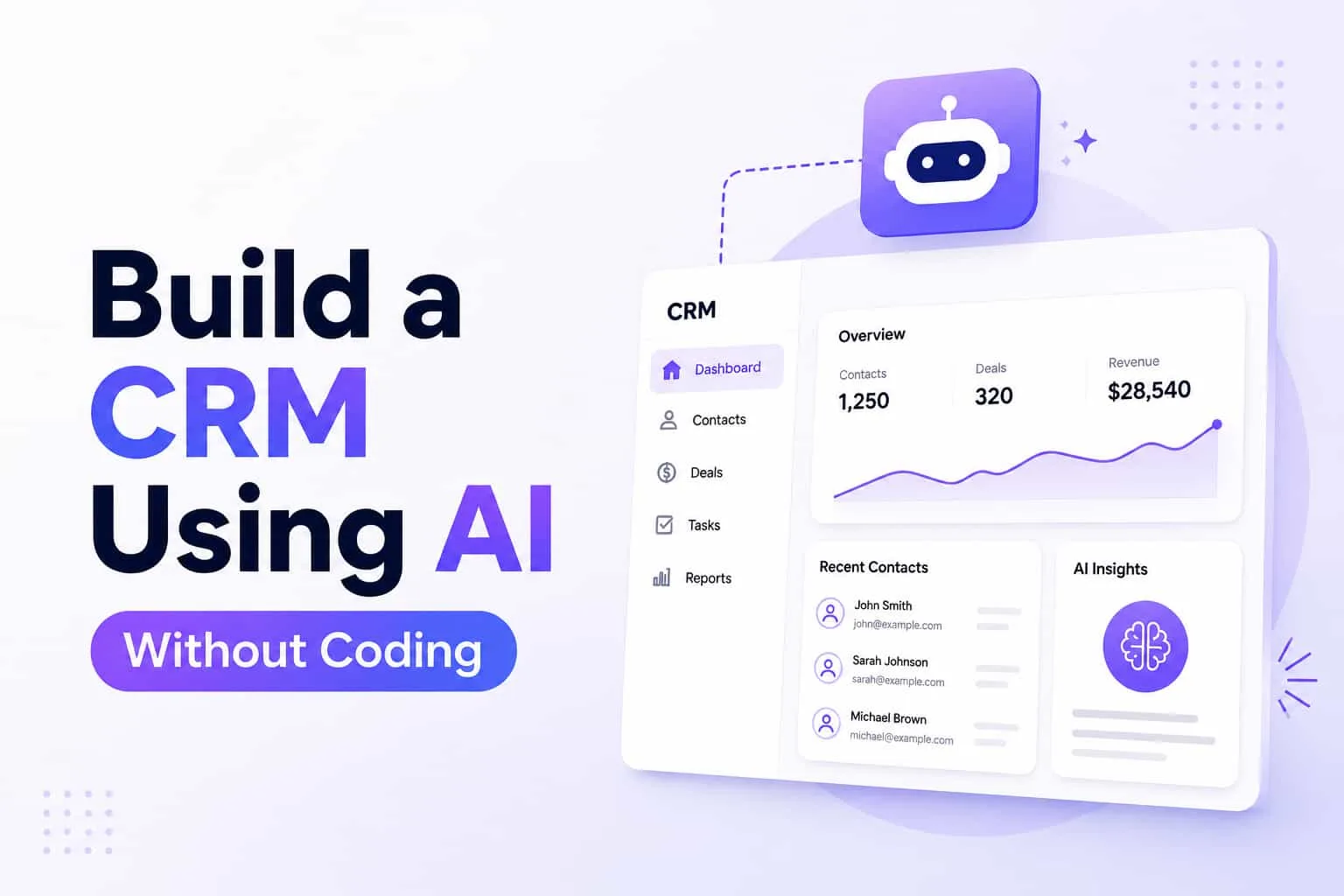
This is why more businesses now build CRM using AI instead. They want a system that fits how the business already works without needing developers for the small changes. Modern AI CRM builder platforms have made it possible. You can create custom workflows, automate tasks, track customer interactions, and build a custom CRM without coding from scratch.
Why Businesses Are Building Custom CRM Systems
Most CRM software forces businesses into fixed workflows. Your sales process changes slightly. Suddenly, the system feels awkward. The team starts creating workarounds. Notes are stored outside the CRM. Follow-ups happen manually again.
A custom CRM works differently because the workflow is smooth according to the business and team operations. For example, a real estate team tracks leads differently than a SaaS company. A small agency handles customer support differently from an ecommerce store. Their pipelines, follow-up timing, and customer behavior all look different.
This is why more businesses now create custom CRM systems using AI-powered tools instead of relying entirely on rigid pre-built systems.
What is the Purpose of an AI CRM
An AI CRM builder helps businesses create CRM software without writing large amounts of code manually. Instead of building databases, workflows, dashboards, and automation systems from scratch, the platform handles much of the structure automatically. This allows teams to focus more on operations and less on technical setup.
A good AI-powered CRM software platform can help businesses:
Automate workflows
Organize lead management
Track customer interactions
Manage customer support
Handle sales forecasting
Automate repetitive tasks
And the important part is flexibility. The CRM should fit the workflow naturally.
How to Create a CRM With AI
Most people overcomplicate CRM development. They imagine months of coding, backend setup, and technical infrastructure. Modern no code CRM builder platforms changed that process completely. Now, small teams can build a custom CRM using AI without coding much faster than before.
Start With the Workflow
Before app builders or coding platforms, map the workflow first. Where do leads enter the business? What happens after the first contact? Who handles follow-ups? Where does customer support fit? Most CRM problems begin because businesses build screens before understanding the workflow itself.
Imagine a small sales team. A lead submits a form. The CRM assigns the lead automatically. The AI agent scores the lead based on customer behavior. Follow-up reminders appear instantly. Customer notes stay attached to the account automatically.
Teams building smarter systems often start with a clear product requirements document (PRD) to organize workflows before building automation.
Choose the Right No-Code AI CRM Platform
Some no code AI CRM platform tools focus heavily on drag-and-drop design. Others focus more on automation. The best option depends on the business itself.
Small businesses need:
Flexible workflows
Fast setup
Automation tools
Simple dashboards
Easy integrations
Clean user experience
A complicated CRM is difficult to adopt. If the sales team hates using the system after two weeks, the setup has already failed.
Businesses evaluating platforms can also explore internal tools to simplify operational workflows and reporting.
Connect AI Features Carefully
This is where many teams make mistakes. They try adding AI everywhere. AI chat. AI scoring. AI reporting. AI summaries. AI assistants inside the screens. Most businesses do not need that much. Strong AI-driven CRM systems usually focus on a few useful workflows first.
For example:
Lead scoring
Follow-up reminders
Sales forecasting
Customer behavior tracking
Support ticket routing
Automated updates
The goal is reducing manual work by an easy workflow mechanism. Businesses using AI-powered generation often scale these workflows faster without rebuilding systems repeatedly.
Build a Custom CRM Using AI Without Coding
No-code tools changed CRM development completely. A small team can now create CRM software using AI without hiring a large engineering department first. Platforms handle much of the backend structure automatically through pre-built systems and automation tools. This allows businesses to test workflows faster before investing heavily in custom development.
Businesses looking for scalable systems can explore rapid application development to launch internal software much faster.
Because Google Sheets are not Helpful in the Long Run
Almost every small business starts with spreadsheets. At first, Google Sheets feels easy. Everyone knows how to use it. The setup takes ten minutes. Then growth starts creating problems. Two people update the same lead. Customer notes disappear. Follow-ups get missed. Reporting becomes unreliable. Nobody trusts the numbers anymore.
That is usually when businesses realize they need a real CRM system. The shift happens naturally once manual tracking becomes harder than the sales work itself.
Best AI Tools to Build CRM Systems
Different businesses need different CRM structures. Some teams need stronger lead management. Others care more about customer support workflows or automation.
Platforms businesses often explore include:
Airtable
Bubble
Zoho CRM
Glide
Retool
Some work better for internal operations. Others focus more on sales workflows or app development flexibility. The important part is choosing tools that support the workflow without making daily operations harder.
AI Agents and CRM Automation
AI agents have reshaped CRM workflows completely. Instead of following rigid automation rules, AI agents can analyze customer interactions, update records automatically, trigger reminders, and route tasks based on changing conditions.
This creates a more responsive CRM system.
For example, if a customer stops replying during a sales cycle, the AI agent can trigger a follow-up sequence automatically. If support tickets spike suddenly, the workflow can reroute requests before response times collapse.
These small adjustments help businesses automate tasks without constant manual oversight. Teams interested in smarter workflow systems can explore AI workflow automation for connected operations.
Custom CRM Without Coding Still Needs Clear Structure
No-code tools remove technical barriers. They do not remove operational problems. A messy workflow stays messy even inside better software. This is why the strongest CRM systems are usually simple at first.
Businesses thus can focus on:
Cleaner lead management
Better follow-ups
Organized customer interactions
Faster response times
Smoother workflows
Complexity comes later if the business actually needs it.
FAQs
Can you build CRM using AI without coding?
Yes. Modern no code CRM builder platforms allow businesses to create CRM software using AI without heavy coding. Teams can build workflows, dashboards, automations, and lead management systems much faster now.
What is the best AI CRM builder for small businesses?
The best AI CRM builder depends on the workflow itself. Platforms like Omniflow, Airtable, Bubble, and Zoho CRM are popular because they support automation, flexible workflows, and custom CRM development.
How do no-code AI CRM platforms work?
A no code AI CRM platform uses pre-built systems, automation tools, and visual builders to help businesses create custom CRM workflows without manually building backend infrastructure.
Can AI-powered CRM software automate sales tasks?
Yes. AI-powered CRM software can automate workflows like lead scoring, follow-up reminders, sales forecasting, and customer tracking. This reduces repetitive admin work for sales teams.
Is Google Sheets enough for managing customer relationships?
Google Sheets works early on for very small teams. Once lead management, reporting, and customer interactions become more complex, most businesses eventually move toward a structured CRM system.
What features should a custom CRM include?
A custom CRM should support lead management, customer interactions, automation workflows, reporting, sales tracking, and customer support based on how the business actually operates.
How do AI agents improve CRM systems?
AI agents help automate tasks inside the CRM. They can analyze customer behavior, route workflows, trigger reminders, and continually improve operational efficiency over time.